
Mobile-First Checkout: Five Details That Reduce Payment Errors
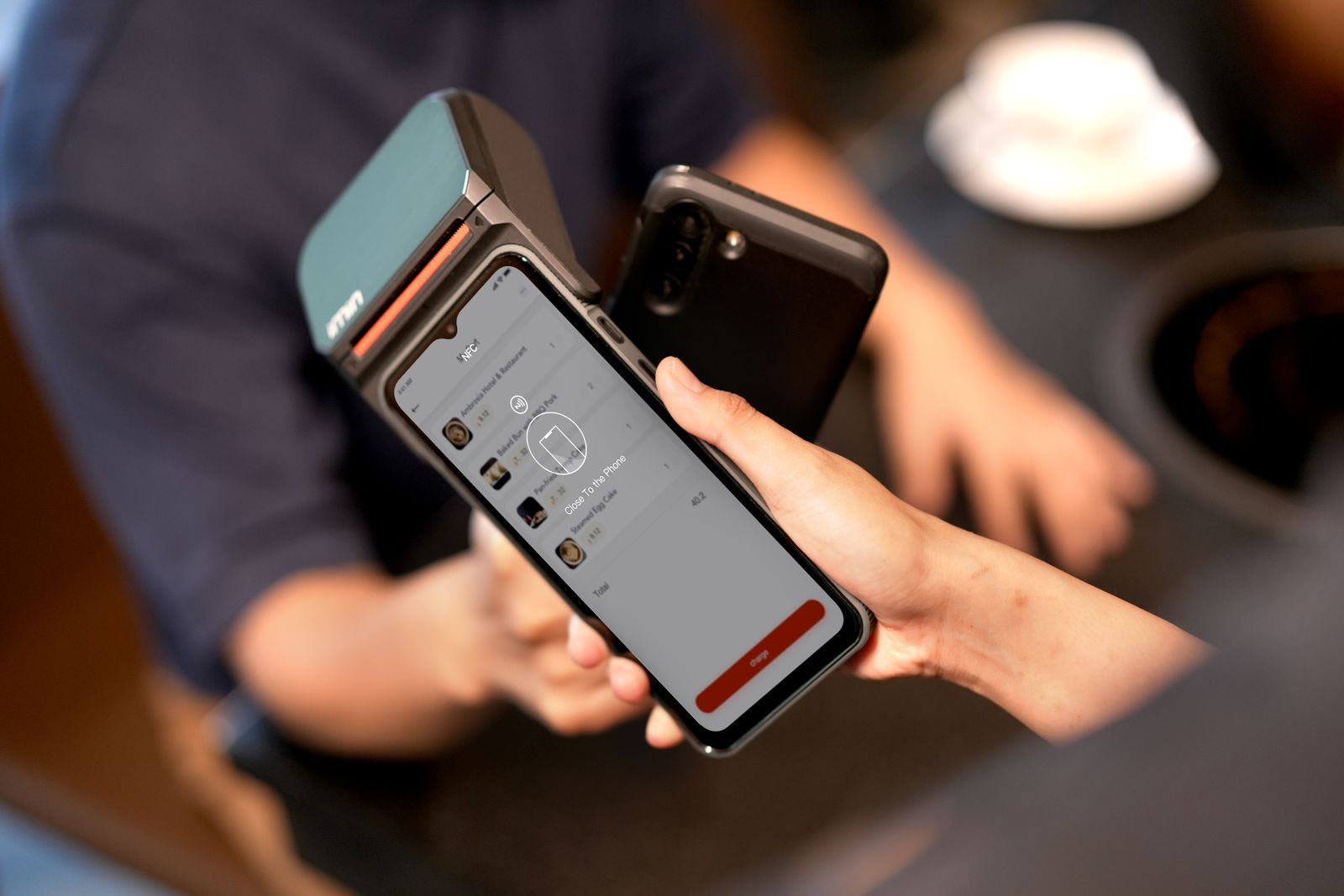
Mobile-First Checkout: Five Details That Reduce Payment Errors
Why this matters
Mobile-First Checkout: Five Details That Reduce Payment Errors is no longer a one-line transaction question. For store owners and product teams, the useful answer combines price clarity, account safety, payment evidence, and a practical next step. This article looks at the subject through UX details that help on small screens, so you can make a decision without relying on vague “cheap” or “instant” promises.
The short answer
Start with the exact quantity, currency, and delivery expectation. Compare the final payable amount, use a verified payment route, and keep the order reference until the balance or service is confirmed. If a seller asks for a password, OTP, recovery code, or unusual app installation, stop.
A practical framework
1. Keep quantity, currency, and total visible together.\n2. Use one focused payment action per screen.\n3. Validate whole numbers before submission.\n4. Make receipt upload and order status easy to find.\n5. Show recovery instructions when a payment fails.
Common mistakes to avoid
The most expensive mistakes are usually process mistakes: paying before checking the recipient, comparing different currencies as if they were identical, hiding the order reference, or trusting a screenshot without checking the final status. A professional checkout should make the amount, currency, next step, and support route visible on mobile.
What this means for customers and creators
Customers need predictable pricing and a clear audit trail. Creators need a safe way to receive support without pressuring viewers. Merchants need reconciled receipts, whole-number quantities, and a human-readable status. These goals reinforce each other: transparent steps reduce disputes and make repeat purchases easier.
FAQ
Why do mobile checkouts fail?
Crowded layouts, unclear totals, hidden instructions, and poor error recovery create avoidable mistakes.
Should a checkout show both PKR and USDT?
Yes when relevant, but label one as the amount actually charged.
What should the success screen include?
Order number, paid currency, amount, next verification step, and support route.
Final checklist
Before you pay, verify the domain, quantity, currency, recipient, total, and order reference. After you pay, save the receipt, submit it only through the correct order flow, and wait for verification. Thee i Pay’s goal is to make that path clear from the first tap to the confirmed order.
Related articles
PKR or USDT? Choosing the Right Display Currency for Coin Pricing
A detailed guide to pkr or usdt? choosing the right display currency for coin pricing, with practical steps, safety advice, and FAQs.
Why Whole-Coin Pricing Feels Fairer to Buyers
A detailed guide to why whole-coin pricing feels fairer to buyers, with practical steps, safety advice, and FAQs.
How to Compare Coin Packs by Cost per Coin
A detailed guide to how to compare coin packs by cost per coin, with practical steps, safety advice, and FAQs.