
The Ultimate Guide to TikTok Live Coins: How to Save Up to 30% on Every Top-Up

If you regularly support your favorite creators during TikTok LIVE streams, you already know how fast coin costs add up. From gifting Universe animations to joining coin chests, keeping your wallet filled with TikTok coins can get expensive quickly.
However, most users don't realize they are paying an unnecessary premium—sometimes up to 30% more—every time they buy coins directly through the TikTok app on an iPhone or Android device.
Here is a complete guide on why TikTok coins are so expensive on mobile apps, how you can instantly save money on every top-up, and how to buy cheap TikTok coins safely using local payment methods.
---
Why Are TikTok Coins More Expensive in the Mobile App?
When you buy TikTok coins inside the iOS App Store or Google Play Store, Apple and Google automatically charge a 30% commission on the total transaction amount. To offset this heavy fee, platform prices inside the mobile apps are marked up significantly.
When you buy directly through direct web recharges or verified third-party top-up platforms like Thee iPay, you bypass the app store commissions completely. The savings are passed directly to you, giving you 20% to 30% more coins for the exact same amount of money.
---
How Much Money Can You Save?
Here is a quick breakdown comparing standard in-app purchase rates with direct web top-up rates:
| Coin Package | Average App Store Price | Direct / Third-Party Price | Total Savings |
| :--- | :--- | :--- | :--- |
| 700 Coins | ~$10.99 | ~$8.40 | Save ~23% |
| 1,400 Coins | ~$21.99 | ~$16.80 | Save ~24% |
| 3,500 Coins | ~$54.99 | ~$42.00 | Save ~24% |
| 7,000 Coins | ~$109.99 | ~$84.00 | Save ~25% |
---
How to Top Up TikTok Coins Instantly on Thee iPay
Recharging your account outside the app store is fast, safe, and requires zero technical knowledge. You do not need to share your password or login details.
1. Get Your TikTok User ID (Username): Open TikTok, go to your Profile, and copy your exact username (e.g., `@yourusername`).
2. Select Your Package: Visit the Thee iPay store and choose your desired TikTok coin package.
3. Enter Your User ID: Paste your TikTok username into the field provided.
4. Choose Your Local Payment Method: Pay conveniently using local options like EasyPaisa, JazzCash, NayaPay, or Direct Bank Transfer.
5. Receive Coins Instantly: Once payment is confirmed, your coins will reflect directly in your TikTok balance within 1 to 5 minutes.
---
Frequently Asked Questions (FAQ)
#### Q1: Is it safe to buy TikTok coins from third-party sites?
Yes, as long as you use a trusted service like Thee iPay that only asks for your TikTok User ID / Username. Legitimate top-up platforms will never ask for your password or account login credentials.
#### Q2: Can I get banned for buying TikTok coins outside the app?
No. Web-based recharges and direct ID top-ups utilize legitimate platform conversion systems. Your account remains 100% safe.
#### Q3: Can I pay with local payment methods like EasyPaisa or JazzCash?
Yes! One of the biggest advantages of using Thee iPay is that you don't need an international credit or debit card. You can top up instantly using EasyPaisa, JazzCash, or local Pakistani bank accounts.
---
Final Thoughts
Stop giving away extra money to app store fees. Whether you are a top gifter supporting live streams daily or just buying a quick package for fun, recharging through Thee iPay guarantees you get the best rates, local payment flexibility, and instant delivery.
Related articles
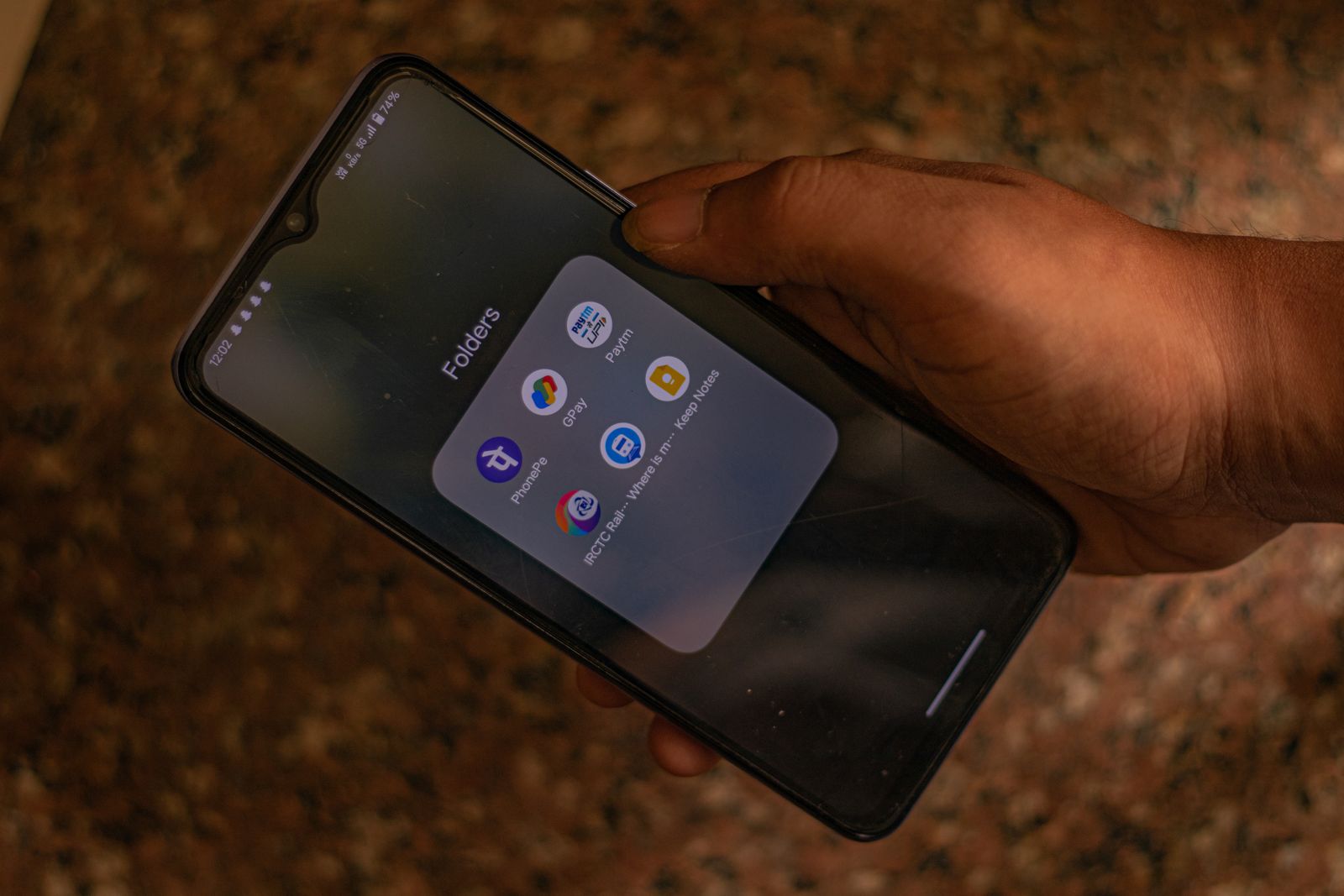
How to Buy TikTok Coins in Pakistan Safely with EasyPaisa and JazzCash
A detailed guide to how to buy tiktok coins in pakistan safely with easypaisa and jazzcash, with practical steps, safety advice, and FAQs.
TikTok Coins Price in Pakistan: What Changes the Final Cost?
A detailed guide to tiktok coins price in pakistan: what changes the final cost?, with practical steps, safety advice, and FAQs.
TikTok Coins on Android vs iPhone: A Practical Price Checklist
A detailed guide to tiktok coins on android vs iphone: a practical price checklist, with practical steps, safety advice, and FAQs.