
How to Top Up Bigo Live Diamonds Instantly: Step-by-Step Guide
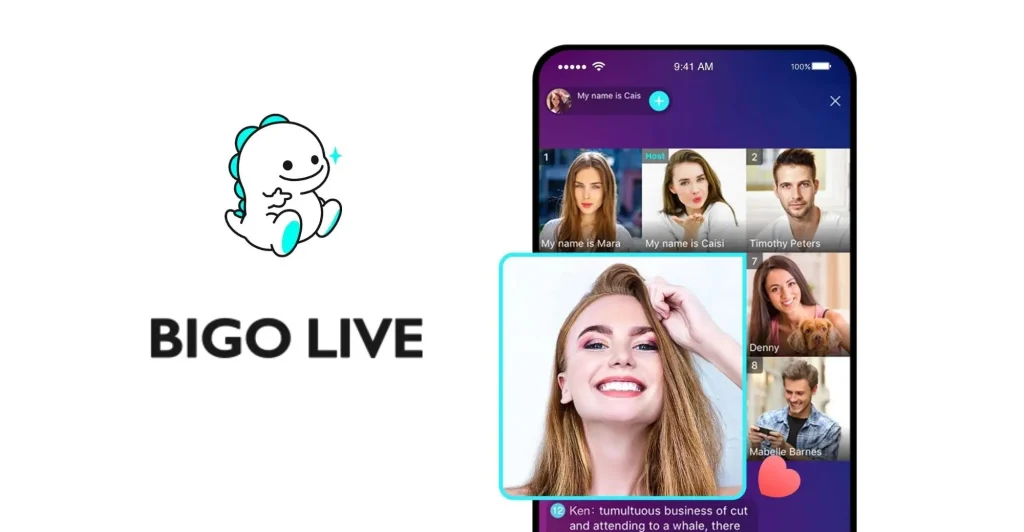
Bigo Live is one of the world's most popular live streaming platforms, allowing users to connect with creators, watch live performances, and participate in PK battles. At the heart of Bigo Live’s interactive economy are Bigo Live Diamonds—the premium in-app currency used to send virtual gifts, unlock VIP perks, and boost host rankings.
However, buying Diamonds directly through Apple’s App Store or Google Play Store can get expensive due to heavy platform commissions. In this step-by-step guide, you'll learn how to top up Bigo Live Diamonds instantly at discounted rates using safe local payment methods on Thee iPay.
---
What Are Bigo Live Diamonds and Beans?
Before topping up, it helps to understand how Bigo's dual-currency system works:
- Diamonds: The premium currency purchased with real money by viewers. Diamonds are used to buy virtual gifts (roses, sports cars, dragons), join VIP rooms, and enter special events.
- Beans: The currency earned by hosts/broadcasters when they receive gifts from viewers. Hosts can convert Beans into real cash or exchange them back into Diamonds.
---
Why Buy Bigo Diamonds Outside the App?
When purchasing inside the mobile app, Google and Apple take up to a 30% transaction fee, forcing Bigo to increase package prices.
By using direct web top-up platforms like Thee iPay:
1. Lower Prices: You skip platform fees and receive more Diamonds per rupee/dollar spent.
2. Local Payment Support: You don't need an international credit card. Pay easily via EasyPaisa, JazzCash, NayaPay, or direct bank transfer.
3. Instant Delivery: Diamonds hit your Bigo wallet within 1 to 3 minutes using official direct ID delivery.
---
Step-by-Step Guide: How to Recharge Bigo Diamonds on Thee iPay
Recharging your account is straightforward and 100% safe. No password or login details are ever required.
#### Step 1: Find Your Bigo Live User ID (UID)
1. Open the Bigo Live app on your phone.
2. Tap the "Me" icon in the bottom right corner to go to your profile.
3. Look directly below your profile nickname. You will see a numeric code labelled ID (e.g., `901216366`).
4. Copy or write down this exact number.
#### Step 2: Select Your Diamond Package on Thee iPay
1. Visit the Bigo Live Recharge page on Thee iPay.
2. Select the Diamond pack that fits your budget (ranging from small bundles to agency bulk packs).
#### Step 3: Enter Your Bigo ID & Select Payment Method
1. Paste your Bigo Live User ID into the required box. Always double-check the digits!
2. Select your preferred local payment method (EasyPaisa, JazzCash, NayaPay, or Bank Account).
#### Step 4: Complete Payment & Receive Diamonds
1. Follow the quick payment steps provided on screen.
2. Once your transaction is confirmed, open your Bigo Live app, navigate to Me > Wallet, and view your updated Diamond balance!
---
Frequently Asked Questions (FAQ)
#### Q1: Do I need to share my Bigo password?
No, never. Legitimate top-up platforms like Thee iPay only require your numeric Bigo User ID. Never trust any website or seller asking for your password or login credentials.
#### Q2: How fast will my Bigo Diamonds arrive?
Over 98% of orders are processed automatically within 1 to 3 minutes after payment confirmation.
#### Q3: Can I top up for a friend or favorite streamer?
Yes! Simply enter your friend's or favorite streamer's Bigo User ID instead of your own during checkout, and the Diamonds will be delivered directly to their account.
---
Final Thoughts
Don't let high app store commissions limit your gifting power during live streams. Top up your Bigo Live Diamonds today on Thee iPay to enjoy instant ID delivery, discounted rates, and hassle-free local payment options.
Related articles
How to Buy TikTok Coins in Pakistan Safely with EasyPaisa and JazzCash
A detailed guide to how to buy tiktok coins in pakistan safely with easypaisa and jazzcash, with practical steps, safety advice, and FAQs.
TikTok Coins Price in Pakistan: What Changes the Final Cost?
A detailed guide to tiktok coins price in pakistan: what changes the final cost?, with practical steps, safety advice, and FAQs.
TikTok Coins on Android vs iPhone: A Practical Price Checklist
A detailed guide to tiktok coins on android vs iphone: a practical price checklist, with practical steps, safety advice, and FAQs.